DSG phone proof (verification only)
Status: HOLD CLEARED (2026-07-31)
No further phone screenshots are needed. This page is kept only for historical reference.
Receipt: commit cec81dc (repo path: store/youtube/dsg/2026-07-31/phone_proof_received/).
Historical instructions (no longer needed)
Checklist (strict)
- Incognito/Private tab in a mobile browser, logged out (“Sign in” visible).
- Open https://m.youtube.com/shorts/tfu7EGSFbLs and expand the URL bar so the full /shorts/tfu7EGSFbLs path is readable in the screenshot (no cropping).
- After it finishes redirecting/loading, copy/paste the final URL text (or type it).
If it redirects to youtube.com with ?app=desktop, delete the parameters so the URL is exactly https://m.youtube.com/shorts/tfu7EGSFbLs, then reload.
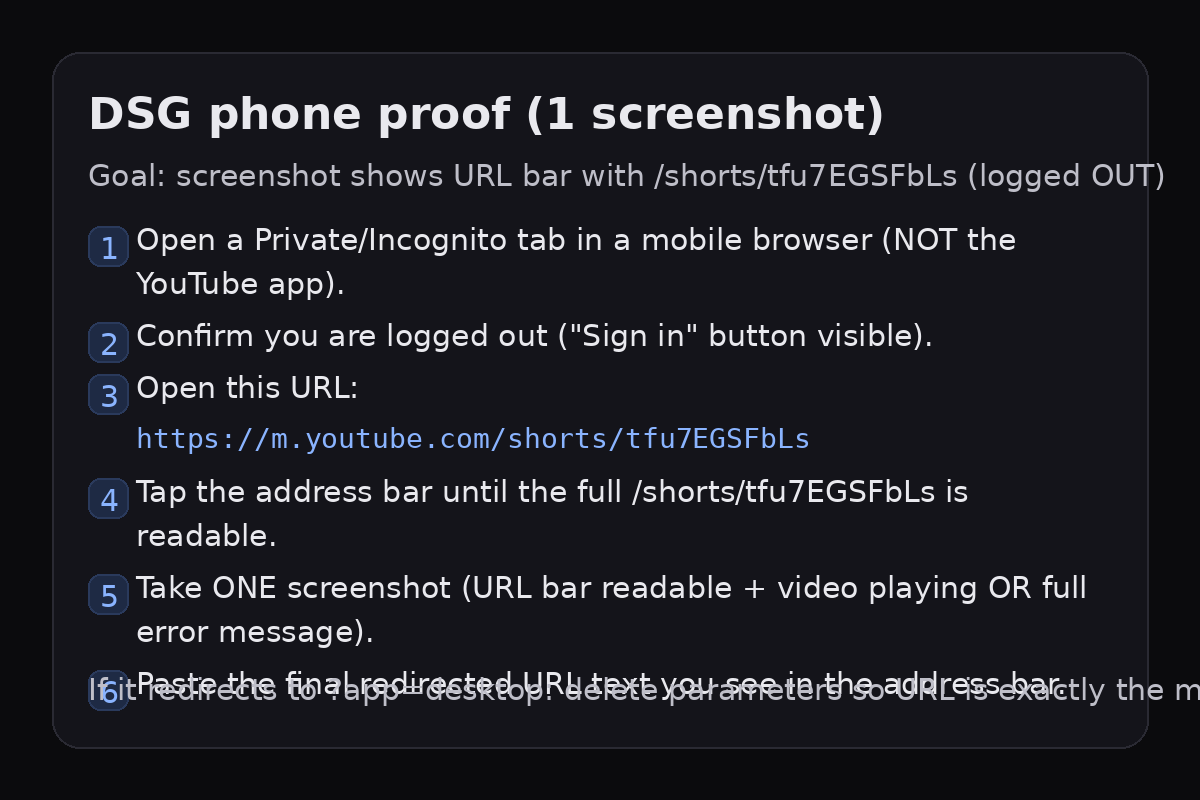
Quick reference image — the strict requirement is still: URL bar readable with /shorts/tfu7EGSFbLs + video playing or full error message, plus pasted final URL text.
Make the URL bar readable (important)
- iPhone/iPad Safari (Private Browsing): tap the address bar to expand it. If it hides, swipe down a little to bring it back. If needed, long‑press and copy the URL text.
- Android Chrome (Incognito): tap the address bar so it expands; make sure the full
/shorts/tfu7EGSFbLspath is visible in the screenshot. If you see?app=desktop, delete the parameters so it’s exactlyhttps://m.youtube.com/shorts/tfu7EGSFbLs, then reload. - Android Firefox (Private): tap the lock/icon then the address bar to fully reveal the URL. If there’s a “hide toolbar” setting, turn it off temporarily so the URL stays visible.
A “Video unavailable” screen is OK — as long as the URL bar is readable.
Reply template
When you send the screenshot, please also paste the final URL text (copied from the address bar).
Final URL: (paste here)
Result: (playing / Video unavailable / other error)
Browser + device: (e.g., iPhone Safari, Android Firefox)
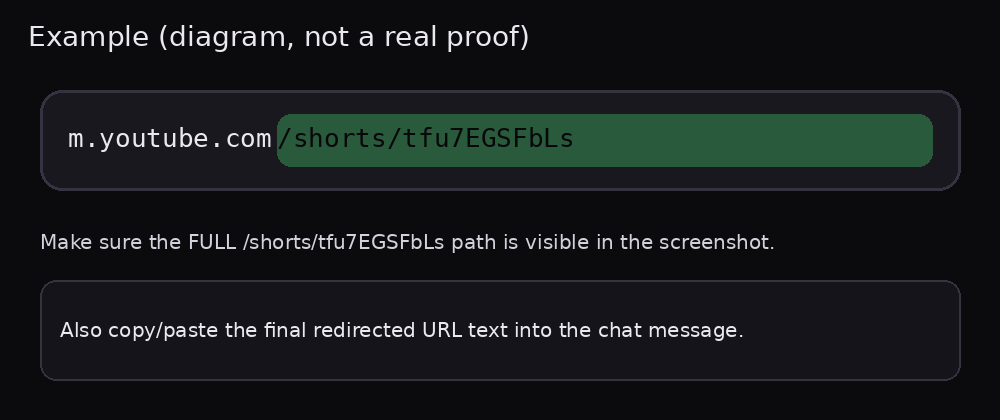
Example only (not a real proof) — make sure the full /shorts/tfu7EGSFbLs path is visible.
Quick start (QR)
Scan this QR code in a web browser (Private/Incognito), not the YouTube app. Then expand the address bar until you can see the full /shorts/tfu7EGSFbLs path.
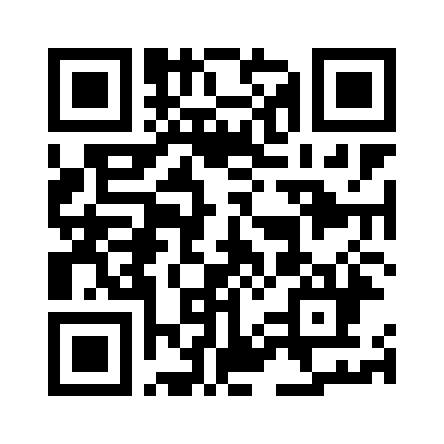
Link (same as QR): https://m.youtube.com/shorts/tfu7EGSFbLs
Purpose: we need a logged-out phone or tablet browser screenshot showing the full path /shorts/tfu7EGSFbLs in the URL bar and either the video playing or the full error message. (for example, an error like “Video unavailable” is fine — we just need the full message visible)
Deutsch (Kurzfassung)
- Am Smartphone/Tablet im Browser öffnen (nicht die YouTube‑App).
- Inkognito/Privat öffnen und sicherstellen: ausgeloggt (Button „Sign in/Anmelden/Logga in“ sichtbar).
- Diese URL öffnen:
https://m.youtube.com/shorts/tfu7EGSFbLs - URL‑Leiste antippen, bis der volle Pfad sichtbar ist:
/shorts/tfu7EGSFbLs(nicht abgeschnitten). - Falls Redirect/Parameter: alles nach
tfu7EGSFbLslöschen, sodass die URL wieder exakthttps://m.youtube.com/shorts/tfu7EGSFbLsist, dann neu laden. - 1 Screenshot: geöffnete URL‑Leiste + Video spielt ODER komplette Fehlermeldung. Bitte zusätzlich die finale URL als Text schicken.
Wenn die URL‑Leiste den Pfad nicht vollständig zeigt: im Share‑Menü „Link kopieren“ und die finale URL in die Nachricht einfügen (Screenshot trotzdem).
Before you start
- Use your phone/tablet browser (NOT the YouTube app).
- Use a Private/Incognito tab.
- Confirm you’re logged out (you should see a “Sign in” button on YouTube, in any language).
- Open Private/Incognito.
-
Open: https://m.youtube.com/shorts/tfu7EGSFbLs
Copy/paste URL (plain text):
https://m.youtube.com/shorts/tfu7EGSFbLs - If redirected, note the final URL.
- Tap the address bar until the FULL URL is visible and includes
/shorts/tfu7EGSFbLs. - Fallback if you can’t make the full URL visible: use your browser’s Share menu (or long-press the address bar) to Copy link. Paste the full final URL into the helper chat message. Still take ONE screenshot showing (a) the Sign in button (logged out) and (b) the video playing OR the full error. (Preferred receipt is still an expanded URL bar showing
/shorts/tfu7EGSFbLs.) - Confirm you can see a “Sign in” button (any language).
- Take ONE screenshot showing the full URL bar + the page (video playing OR full error).
Address bar tips (to show the full /shorts/… path)
- Android Chrome: tap the URL bar, then drag/scroll inside it to the end. If it still truncates: Share → Copy link, paste into the URL bar, then reload.
- Android Firefox: tap the URL bar, then drag/scroll inside it to the end (the path can be scrollable). If needed: Share → Copy link and paste it into the URL bar.
- iOS Safari: tap the URL bar once (it expands), tap again to select/expand the full URL. If it’s still hard to read: Share → Copy link, paste into the URL bar.
- iOS Chrome (and other iOS browsers): tap the URL bar, tap again to select/expand. If it truncates: Share → Copy link, paste into the URL bar, reload.
Preferred receipt: a screenshot where the expanded URL bar visibly includes /shorts/tfu7EGSFbLs. If your browser won’t show it, the Copy link fallback + pasted final URL still helps.
Troubleshooting
- Opens the app: long-press the link → “Open in new tab”, or copy/paste the URL.
- Redirects to
?app=desktop: in the address bar, delete everything aftertfu7EGSFbLsso the URL is exactlyhttps://m.youtube.com/shorts/tfu7EGSFbLs, then reload. - URL truncates: (Android Firefox: tap URL bar, then drag/scroll within it to reach the end of the URL.) tap the address bar twice to expand, then scroll inside it so you can see the full
/shorts/tfu7EGSFbLs. On iOS Safari/Chrome: tap the URL once, then tap again to select/expand it. - Bot-check / Cloudflare: reload once; then screenshot the message.
- “Video unavailable”: screenshot it (still useful).
Privacy note
Please don’t share personal info. The screenshot should only show the YouTube page + URL bar.
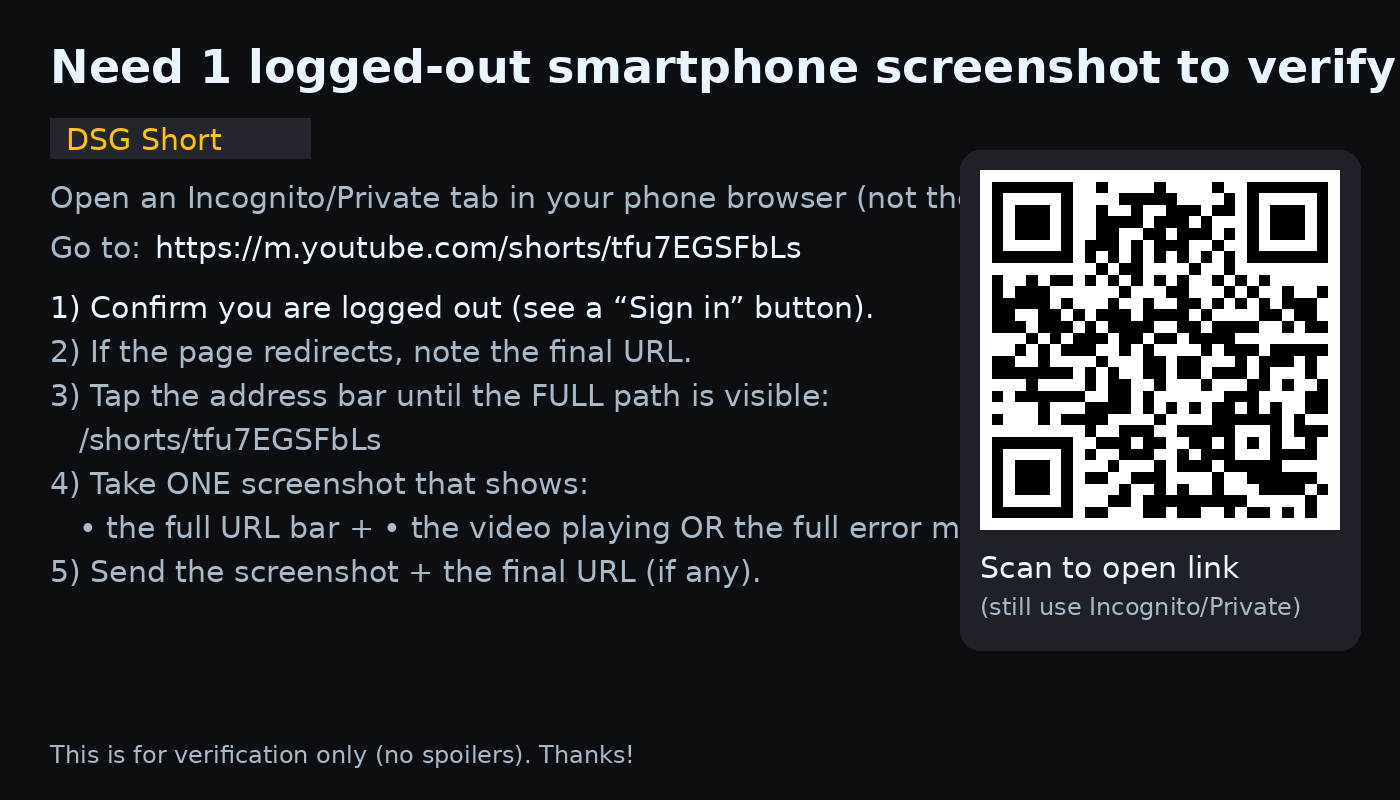
Optional: scan this QR code (still use Incognito/Private):
Back to hub: /channel-hub/